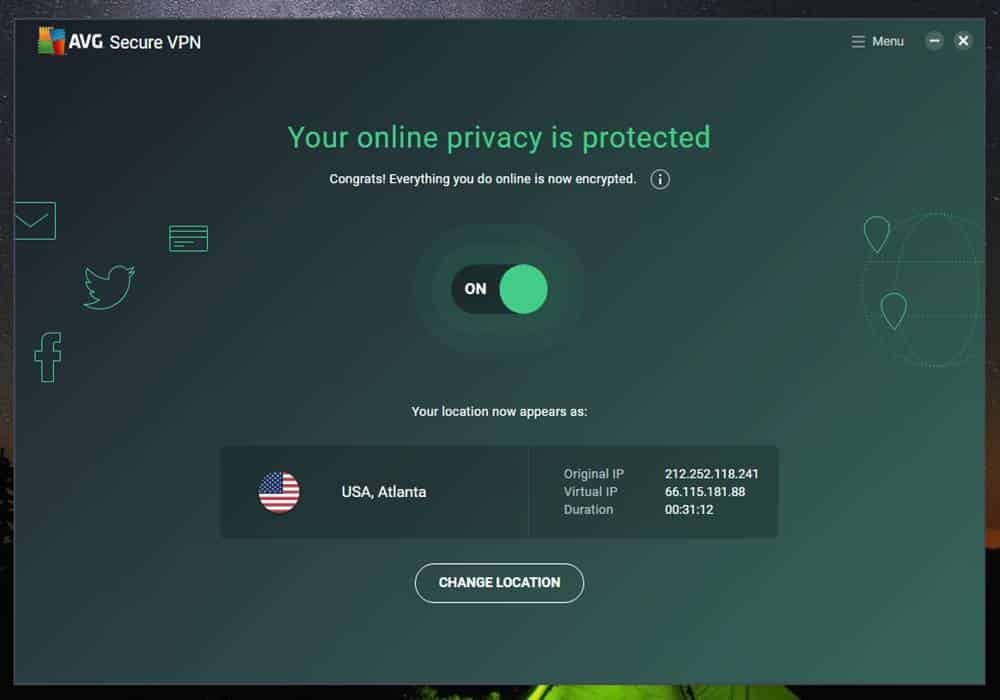
Avast SecureLine VPN is the VPN from the maker of Avast antivirus, now part of Gen Digital, the group that also owns Norton and HMA. It is easy to use and covers up to 10 devices, which makes it tempting if you already use Avast products. This review explains what you get in September 2026, what the service logs, and why its privacy record deserves a closer look before you subscribe.
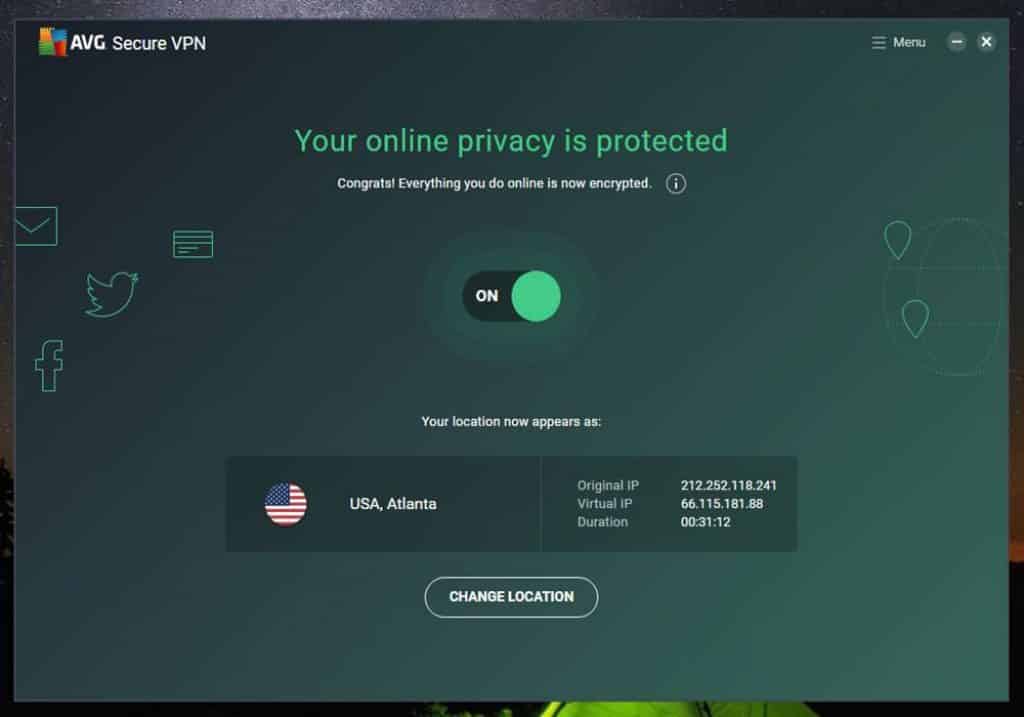
Avast SecureLine VPN at a glance
| Owner | Gen Digital (Avast, Norton, AVG, HMA) |
| Network | A few dozen locations, far smaller than NordVPN or ExpressVPN |
| Devices | Up to 10 |
| Data limit | None |
| Independent audit | None published for the VPN |
| Price | About $3.99 to $4.99 a month on one- to three-year plans (September 2026) |
What does Avast SecureLine VPN log?
Avast says it does not log your original IP address, DNS requests or the sites you visit. It does keep some connection data, such as when sessions start and end and how much data is used, for up to about a month, plus account details for longer. That is more than the strict no-logs services keep, and unlike them Avast has not had its VPN logging policy checked by an independent auditor.
The 2024 FTC case
In 2024 the US Federal Trade Commission ordered Avast to pay $16.5 million and banned it from selling browsing data for advertising, after finding that data collected through its antivirus and browser extensions had been sold through its former subsidiary Jumpshot. The case was about the antivirus products, not the VPN, but it is relevant when you decide how much to trust a company with your traffic.
Pros and cons
| Pros | Cons |
|---|---|
| Very simple apps | Keeps connection timestamps and data usage |
| 10 devices on one subscription | No independent audit |
| Bundles well with Avast antivirus | Small server network |
How it compares with audited VPNs
| Avast | NordVPN | Proton VPN | |
|---|---|---|---|
| Independent no-logs audit | No | Yes, several | Yes, yearly |
| Keeps connection timestamps | Yes, for about a month | No | No |
| Devices | 10 | 10 | 10 on Plus |
| Free plan | No | No | Yes |
On price the three are close, so the deciding factor is how much weight you give to independent verification. If you do use Avast’s VPN, turn on the kill switch in its settings, so your traffic stops rather than leaking if the connection drops, and set it to connect automatically on unsecured Wi-Fi networks.
Who is it for?
The service is reasonable for protecting laptops and phones on public Wi-Fi, especially if it comes bundled with an Avast subscription you already pay for. If privacy from the VPN provider itself is your main goal, an audited service such as Proton VPN or NordVPN is the stronger choice.
How to install it
- Download the app from the official Avast website or your phone’s app store.
- Sign in with your Avast account or enter your license, then open the app.
- Switch the VPN on, or choose a location from the list.
Frequently asked questions
Is Avast SecureLine VPN free?
No. It is a paid subscription; check Avast’s website for the current trial and refund terms before you buy.
Which devices does it support?
There are apps for Windows, macOS, Android and iOS, and one subscription covers up to ten of them. There is no dedicated browser extension or router app.
Is it good for streaming?
It offers some streaming-optimised locations, but with a small network, results vary more than with the larger providers.
Avast SecureLine VPN is convenient and fairly priced, but it logs more than the best services and has no audit to back its privacy claims. For a wider comparison, see our guide to the best VPN for Windows.