This ExpressVPN review looks at the service as it stands in September 2026. ExpressVPN has long been one of the best-known paid VPNs, and in 2025 it replaced its single subscription with three tiers: Basic, Advanced and Pro. Below we cover what each plan includes, how the service protects your privacy, what it costs, and who it suits better than its main rivals.
ExpressVPN at a glance
| Owner | Kape Technologies (since 2021); registered in the British Virgin Islands |
| Network | Servers in more than 100 countries |
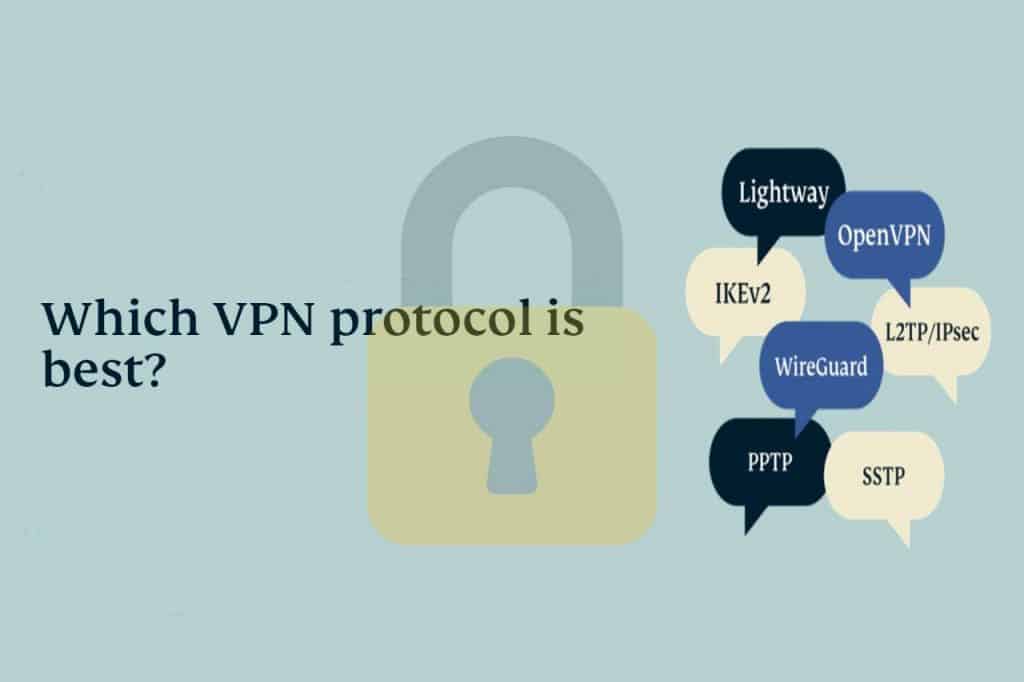
| Protocols | Lightway (its own open-source protocol), OpenVPN, IKEv2 |
| Servers | TrustedServer: every server runs from RAM and is wiped on reboot |
| Plans | Basic (10 devices), Advanced (12), Pro (14) |
| Price | Basic from about $2.99 a month on a two-year plan (September 2026) |
| Refunds | 30-day money-back guarantee |
What the three plans include
- Basic: the full VPN on up to 10 devices. This is the plan most people need.
- Advanced: adds a password manager, ad and tracker blocking and identity monitoring, on up to 12 devices.
- Pro: adds a dedicated IP address and data-removal services, on up to 14 devices.
Privacy and security
ExpressVPN’s privacy case rests on two things: TrustedServer, which means no server keeps data on a hard drive, and a series of independent audits of its no-logs policy and apps. Lightway, the protocol it built as a faster alternative to OpenVPN, is open source, so security researchers can inspect it. A kill switch (called Network Lock) is on by default in the desktop apps.
Two things are worth knowing about its background. ExpressVPN has belonged to Kape Technologies since 2021, a company that also owns other VPN brands. In the same year it emerged that one of its executives had worked on a surveillance project for a foreign government before joining the company, which drew criticism from privacy advocates. The audits since then are the best way to judge the service on its own practices.
Pros and cons
| Pros | Cons |
|---|---|
| Very simple apps on every platform | No free plan |
| RAM-only servers and repeated audits | Extras in higher tiers push the price up |
| Fast Lightway protocol | Renewal prices are higher than the first term |
Does ExpressVPN work with streaming and torrents?
ExpressVPN supports torrenting on all its servers and generally works with major streaming services. As with any VPN, streaming sites can block addresses at any time, so treat access to a particular library as a bonus rather than a guarantee, and follow each service’s terms.
Who should choose ExpressVPN?
- People who want the app to just work: the interface is one big button, with good defaults already switched on.
- Households with many devices: even the Basic plan covers 10, and ExpressVPN also sells its own router, Aircove, for devices that cannot run a VPN app.
- Travellers: the network covers more than 100 countries, so there is usually a server close to where you are.
If you are on a tight budget or want a free option, it is not the right fit; Proton VPN’s free plan is the obvious alternative.
How to get started
- Choose a plan on expressvpn.com.
- Install the app and sign in with the activation link or code from your account.
- Press the connect button to use the recommended location, or pick one from the list.
- Add the browser extension if you want to control the VPN from Chrome.
Frequently asked questions
Which ExpressVPN plan should I buy?
Basic, unless you specifically want the password manager or a dedicated IP. The VPN itself is the same on all three.
Is ExpressVPN better than NordVPN?
They are close. NordVPN offers more features for the price, ExpressVPN has the simpler apps. Compare with our NordVPN review and Proton VPN review.
Our ExpressVPN review verdict: a polished, easy VPN with strong server-level privacy. Start with the Basic plan, and only move up if the extras are things you would otherwise pay for separately.