Pop the video out, keep reading somewhere else — until the option is missing, greyed out, or the little window closes the moment you switch tabs. Picture in picture not working on YouTube usually has an unglamorous cause: YouTube hides the browser’s own menu behind its own, or the video you picked is one of the types Google restricts. Here is how to tell those apart on a computer and on a phone.
On a computer: right-click twice
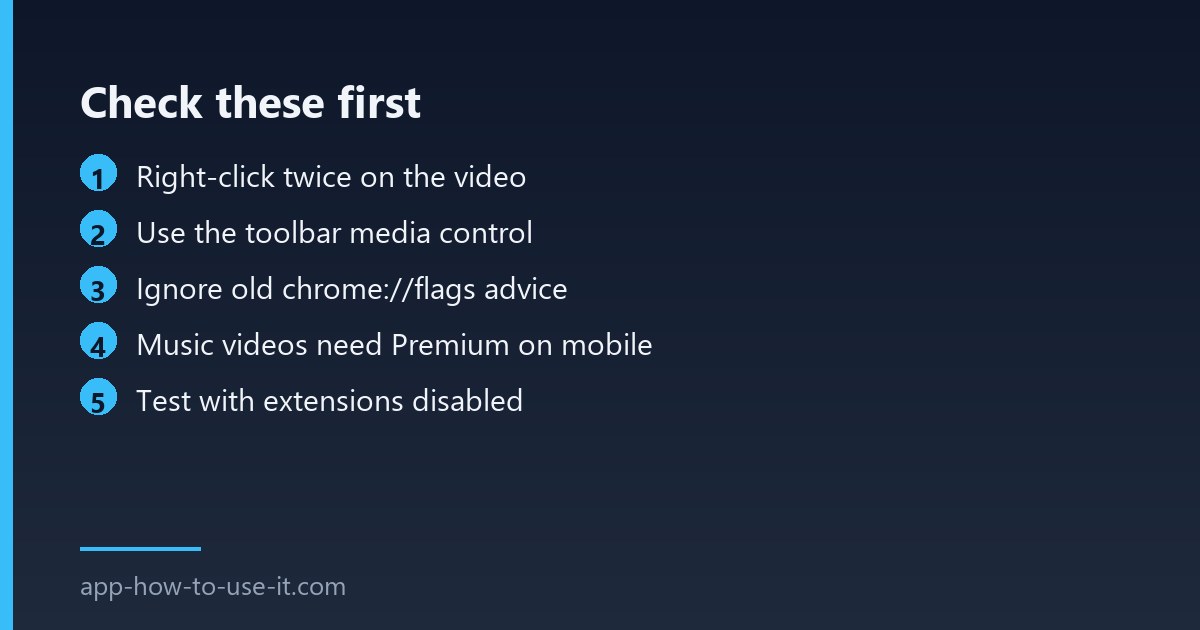
This single trick solves most reports. YouTube replaces the browser’s context menu with its own, so the first right-click on the video shows YouTube’s options — loop, stats for nerds, copy URL. Right-click a second time, without moving the pointer off the video, and Chrome’s real menu appears underneath with Picture in picture in it.
The other reliable route skips the menus entirely: start the video, then click the media control button in the Chrome toolbar and choose the pop-out icon. That button only appears while something is playing.
Ignore any advice about Chrome flags
A lot of older guides tell you to enable a flag at chrome://flags. That advice is years out of date. The feature shipped as a normal part of Chrome long ago, and the flags those articles name no longer exist — searching for them returns nothing, which is exactly why people conclude their browser is broken. If a guide sends you to a flag, close it.
On a phone, the video type decides
Mobile is where the rules get strict, and they are Google’s rules rather than a fault on your device. YouTube’s help pages are explicit about the split.
| Content | Picture-in-picture on iOS and Android |
|---|---|
| Ordinary long-form videos | Available to everyone |
| Shorts | Available to everyone |
| Official music videos | Premium members only |
| Art Tracks and user-uploaded song covers | Premium members only |
| Children’s songs | Premium members only |
So if the pop-out works on a tutorial but not on a song, nothing is broken — you have hit the music restriction described in YouTube’s official picture-in-picture help.
Check the system-level permission
- Android: Settings → Apps → YouTube → Picture-in-picture, and allow it.
- iPhone: Settings → General → Picture in Picture, and turn on Start PiP Automatically.
- In the YouTube app: your avatar → Settings → General → Picture-in-picture.
- Restart the app after changing any of these; the setting is read when the app starts.
When an extension is the culprit
Add-ons that redesign the YouTube player, force theatre mode or block elements can swallow the second right-click. Test in an incognito window with extensions off: if the pop-out works there, re-enable your extensions one at a time until it breaks again. Our guide to the YouTube picture-in-picture extension covers the tools that add a one-click button instead of the menu dance.
Other browsers handle it differently
If you are not on Chrome, the steps change and the menu trick may not apply at all. Firefox puts a small overlay button on the right edge of the video as soon as the pointer enters it, so there is no menu to fight with. Edge shares Chrome’s engine and behaves the same way, including the double right-click. Safari on macOS keeps the control in the address bar while audio or video is playing.
That difference matters when you are following a guide: an article written for one browser will describe a button that simply does not exist in yours. Confirm which browser the instructions were written for before deciding your setup is broken.
Why does the mini player close when I switch tabs?
You are probably using YouTube’s own miniplayer, which lives inside the YouTube tab and disappears when you leave it. The browser’s picture-in-picture window is separate: it floats above every window, including other applications. If your window vanishes on a tab switch, you picked the wrong one of the two.
Is picture in picture not working a sign my browser needs reinstalling?
Almost never. Before reinstalling anything, confirm the browser is up to date at chrome://settings/help and test the pop-out on a non-YouTube video, such as a news clip. If it works there, the issue is YouTube-specific and reinstalling Chrome changes nothing.
Run through it in order: right-click twice on desktop, check whether the video is music content on mobile, then look at permissions and extensions. Nine times out of ten, picture in picture not working is one of those three — not a broken browser, and not something a reinstall will fix.