A slow VPN is the most common reason people switch one off and forget to switch it back on. Before you blame the provider, it helps to know that some loss is unavoidable: your traffic is encrypted, sent to a server somewhere else, and unwrapped again. Losing roughly 10 to 30 per cent of your normal speed is ordinary. Losing 80 per cent is not, and that is almost always fixable in a minute or two.
Measure before you change anything
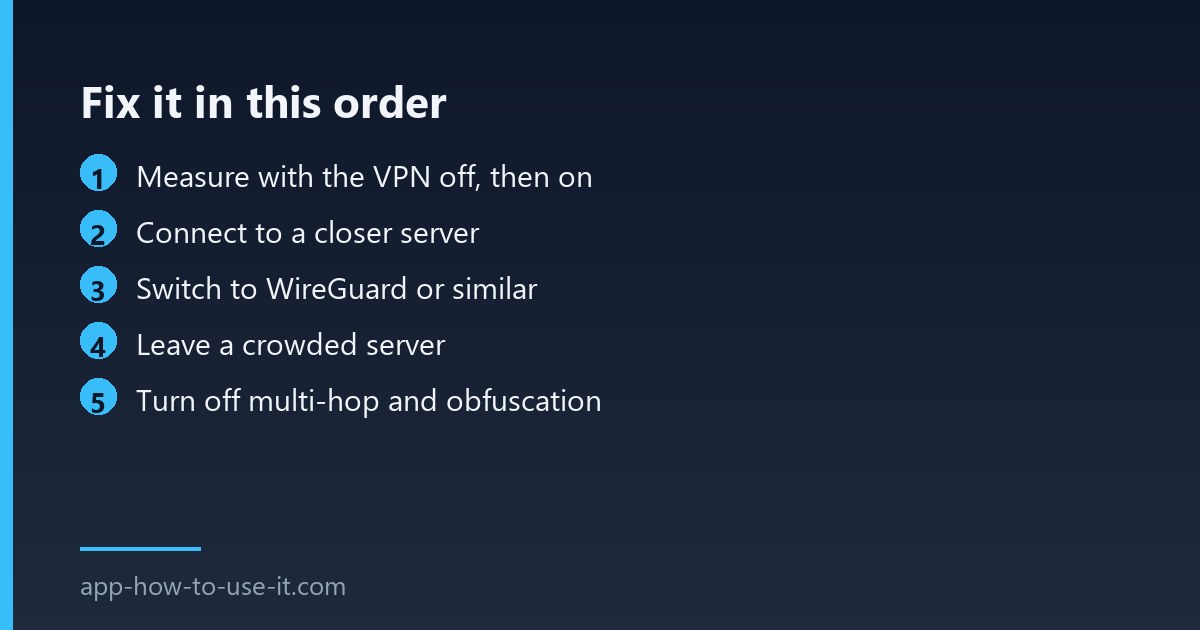
Run a speed test with the VPN off and write the number down. Run the same test with it on, connected to the server you normally use. Without those two numbers you cannot tell whether the VPN is the problem or your line is simply slow today. Test at the same time of day — evening congestion on your own connection is easy to mistake for a VPN fault.
| Speed loss | What it means | Action |
|---|---|---|
| Under 30% | Normal encryption overhead | Nothing to fix |
| 30–60% | Distant or busy server, old protocol | Fixes 1–3 |
| Over 60% | Wrong protocol, throttling or local bottleneck | Fixes 4–8 |
| Fast download, slow browsing | DNS resolution, not bandwidth | Fix 7 |
Fix 1: connect to a closer server
Distance costs time. Every packet travels to the server and back, so a connection routed through another continent adds delay that no amount of bandwidth makes up for. Unless you specifically need a foreign location for a service that is region-locked, pick the nearest country in the list.
Fix 2: switch to a modern protocol
This is the single biggest win on an old setup. Apps that still default to OpenVPN are carrying a design from a different era; WireGuard and the provider-branded variants built on it are dramatically leaner. Look in your app’s settings for a protocol list and choose WireGuard, NordLynx, Lightway or whatever your provider calls its modern option.
Fix 3: move off a crowded server
Many apps show a load percentage next to each location. A server at 90 per cent load will be slow no matter how close it is. Pick another city in the same country — the extra distance costs you far less than the queue does.
Fix 4: extra privacy layers make a slow VPN slower
Multi-hop, double VPN and obfuscated servers all route your traffic through additional machines on purpose. They exist for people who need them, and they cost real speed. If you switched one on while troubleshooting something else and never switched it back, that alone can explain a slow VPN.
Fix 5: check what is doing the encrypting
- An older laptop can hit its processor limit before it hits your line speed.
- A VPN running on the router protects every device but is limited by the router’s own processor, which is usually weak.
- Wi-Fi on a crowded channel caps you long before the VPN does — test once with a cable if you can.
Fixes 6 to 8: throttling, DNS and split tunnelling
Some providers slow specific traffic types, and a VPN can hide that from them — if your speed is better with the VPN on, you were being throttled. If pages take seconds to start but downloads are fast once they begin, the problem is name resolution rather than bandwidth; try your provider’s own DNS setting. Finally, split tunnelling lets you send only the traffic that needs protection through the tunnel, which keeps large downloads on the direct line.
Will a browser extension be faster than the app?
Often yes, because it only carries what the browser sends rather than everything on the device. It also protects far less. Our guide to free VPN extensions for Chrome explains what stays unprotected when you use one.
Is a paid service always faster than a free one?
Not always, but free tiers usually cap bandwidth or crowd users onto a handful of servers, which produces exactly the symptoms above. If you have worked through this list on a free plan and nothing helped, the cap is the answer. Our NordVPN review covers what the paid tier changes in practice.
Work down the list in order and stop at the first change that moves the number. In most cases a slow VPN turns out to be nothing more than a distant server and an outdated protocol — two settings, about thirty seconds, and the connection stops feeling like a compromise.