15 SEO-Optimized Article Prompts to Boost Your Content Strategy

Looking for inspiration to create high-ranking content? TheseĀ SEO content writing promptsĀ are designed to help you craft engaging, search-engine-friendly articles that drive traffic and improve visibility. Whether you’re a blogger, marketer, or business owner, these prompts cover a variety of topics, from how-to guides and listicles to product reviews and industry insights. Perfect for beginners and … Read more: 15 SEO-Optimized Article Prompts to Boost Your Content Strategy
10 Free YouTube Extensions Worth Installing in Chrome

youtube extensions

Disclosure: Adblock YouTube NoADS, YouTube Dislike Counter and Video Speed Controller Global are made by the team behind App How To Use It. The other extensions are independent. A few well-chosen YouTube extensions can save you a surprising amount of time: skipping sponsor reads, hiding the Shorts feed, or showing whether a tutorial is worth … Read more: 10 Free YouTube Extensions Worth Installing in Chrome

Adblock YouTube NoADS: What It Does and How to Install It

adblock youtube noads

Disclosure: Adblock YouTube NoADS is made by the team behind App How To Use It. Adblock YouTube NoADS is a free browser extension for Chrome and Edge that works only on YouTube. It skips or fast-forwards video ads and hides banner and overlay ads while you watch. This page explains what the extension does, how … Read more: Adblock YouTube NoADS: What It Does and How to Install It

Show YouTube Dislike Counter: How to See Dislikes Again

youtube dislike counter

Disclosure: the YouTube Dislike Counter extension mentioned below is made by the team behind App How To Use It. Return YouTube Dislike is an independent open-source project. YouTube stopped showing public dislike counts in November 2021. The dislike button still works, and creators can still see the number in YouTube Studio, but viewers only see … Read more: Show YouTube Dislike Counter: How to See Dislikes Again

Internet Download Manager for Chrome: How to Add the IDM Extension

idm extension

Disclosure: Integration Module Download Manager and Advanced Download Manager, mentioned below, are made by the team behind App How To Use It. Neither is affiliated with Tonec Inc., the maker of Internet Download Manager. Internet Download Manager (IDM) is a paid download manager for Windows. To take over downloads from Chrome it needs a browser … Read more: Internet Download Manager for Chrome: How to Add the IDM Extension

BitTorrent for Chrome: Send Magnet Links to BitTorrent Classic

Bittorrent for chrome

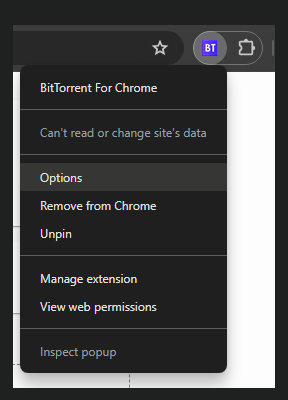
Disclosure: the BitTorrent for Chrome – Classic extension is made by the team behind App How To Use It. It is an independent extension and is not affiliated with BitTorrent, Inc. BitTorrent for Chrome connects your browser to the BitTorrent Classic app on your PC. When you find a magnet link, you right-click it and … Read more: BitTorrent for Chrome: Send Magnet Links to BitTorrent Classic

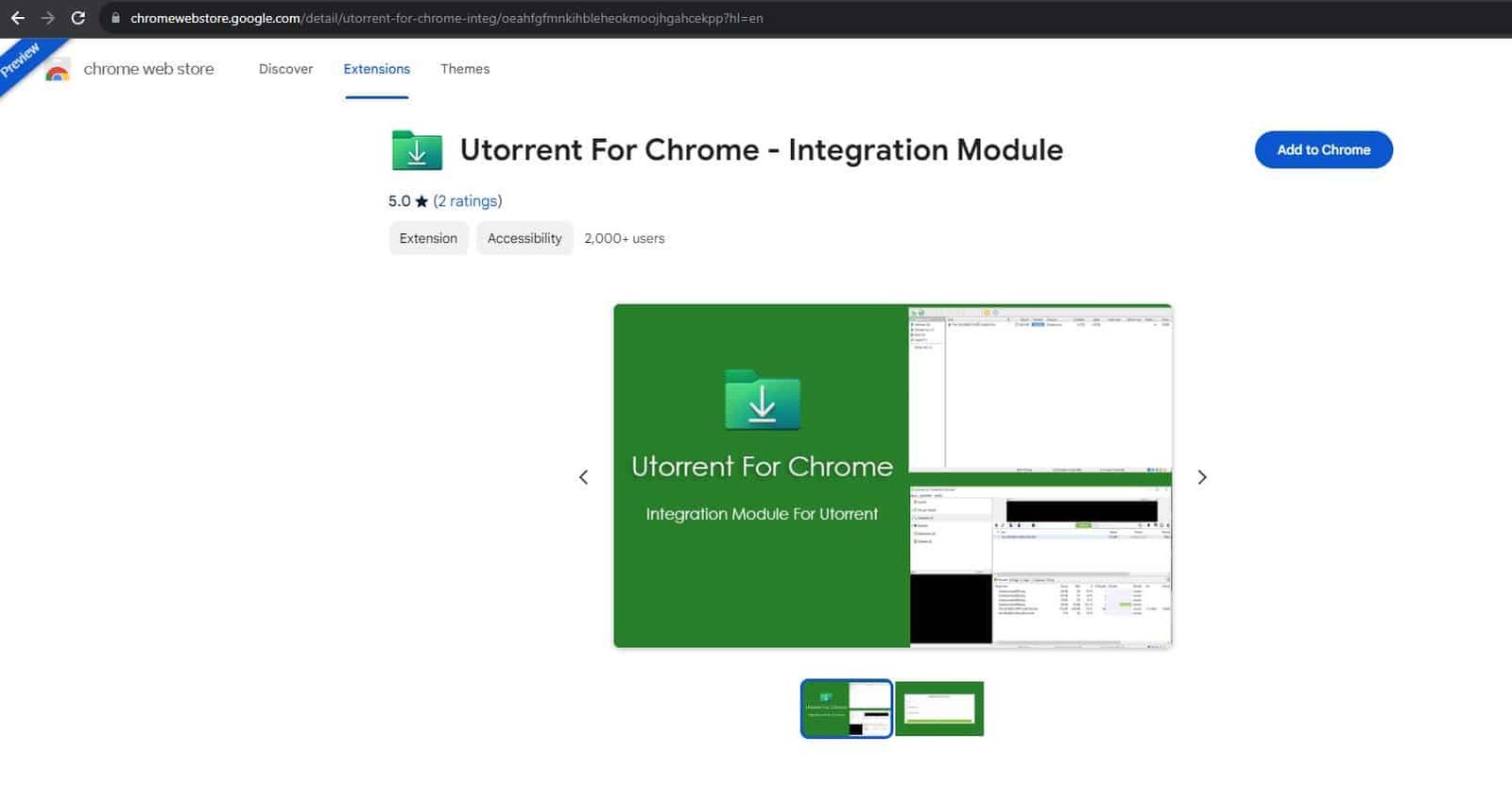
uTorrent for Chrome: Send Magnet Links to uTorrent in One Click

Utorrent for chrome

Disclosure: the uTorrent for Chrome extension is made by the team behind App How To Use It. It is an independent extension and is not affiliated with the makers of uTorrent. uTorrent for Chrome is a browser extension that sends magnet links and .torrent files from Chrome straight to the uTorrent Classic app on your … Read more: uTorrent for Chrome: Send Magnet Links to uTorrent in One Click