A malicious chrome extension almost never announces itself. It keeps doing the thing you installed it for, and does something else quietly alongside: injecting affiliate links, redirecting searches, reading pages you are signed into. The symptoms below are the ones worth acting on, and the confirmation steps matter — guessing which add-on is responsible usually means removing the wrong one.
Symptoms that are actually meaningful
| What you notice | What it suggests |
|---|---|
| Searches land on a provider you did not choose | Search settings hijacked |
| Links turn into affiliate or tracking redirects | Link injection |
| Ads on sites that normally have none | Content injection |
| Settings pages say “managed by your organisation” on a personal PC | A policy was installed |
| An extension you never installed appears | Bundled with other software |
| An old extension suddenly wants new permissions | Changed hands or was sold |
That last row deserves attention. Established extensions with real user bases are bought and sold, and a new owner can push an update that keeps the feature and adds the payload. Nothing about the listing changes visibly.
Confirm which one it is
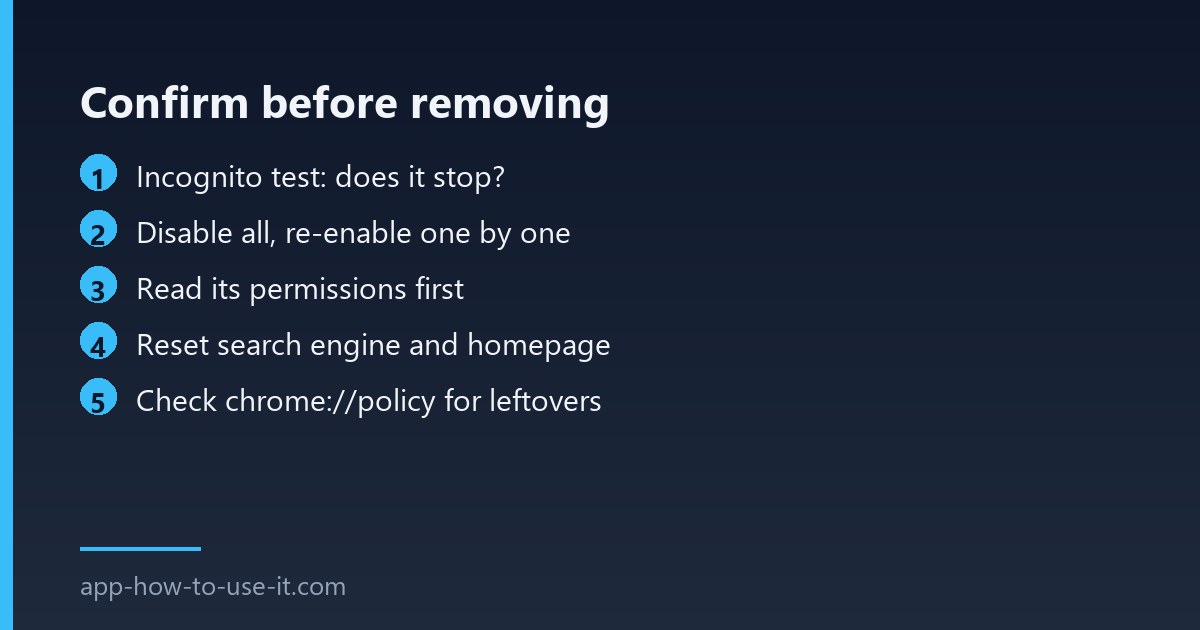
- Open an incognito window. Extensions are off there by default — if the behaviour stops, an extension is responsible.
- Go to chrome://extensions and switch everything off.
- Turn them back on one at a time, checking after each, rather than guessing from the names.
- When you find it, open Details and read its permissions and site access before removing it — it tells you what it had reach over.
Removing is the easy part, and Chrome’s own install and manage extensions page covers the mechanics. What matters more is what comes after.
Clean up properly after removal
- Reset your search engine and homepage — extensions change these and removal does not always restore them.
- Check chrome://policy. An extension that arrived with bundled software can leave a policy behind that reinstalls it.
- Sign out of important accounts and back in, which invalidates sessions that could have been read.
- Change the password for anything sensitive if the extension had access to all sites.
- If it keeps coming back, the source is software on the computer rather than the browser.
How to avoid the next malicious chrome extension
Prevention here is unglamorous and effective. Install only from the store listing, check that the publisher is a name you can find elsewhere, and look at the update history — an extension untouched for two years is a candidate for being sold. Most importantly, read what it asks for: a wallpaper tool that wants to read data on all sites is telling you something. Our guide to Chrome extension permissions explains which requests fit which features.
Be equally careful with files from outside the store. A repackaged extension with one extra script is the cheapest way to distribute this, which is why installing a CRX manually is worth avoiding unless you built the file yourself.
When it is not an extension at all
Two cases produce the same symptoms and waste a lot of time. The first is software installed on the computer that keeps rewriting browser settings; removing the extension helps for an hour and then it returns, because the installer put a policy or a scheduled task in place. The second is a changed DNS or router setting, which injects content before the browser is involved at all — the tell there is that the same ads appear on a phone connected to the same network, where your extensions do not exist.
Test the phone on mobile data and then on the home Wi-Fi. If the behaviour follows the network rather than the device, stop looking in Chrome.
Does Chrome remove dangerous extensions by itself?
Sometimes. Google disables extensions it later finds in breach and removes the listing, which is why an add-on can disappear overnight. But that happens after discovery, so it is a backstop rather than protection — and a disabled extension may still have left changed settings behind.
Will antivirus software catch it?
Usually not. Extension code runs inside the browser and often does nothing a scanner treats as malicious — injecting a link is not a virus. Some suites flag known hijackers, but the browser’s own extensions page remains the place to look.
Confirm before you remove, then clean up the settings and sessions the add-on could reach. Treating a malicious chrome extension as a one-click uninstall is the common mistake — the add-on goes, the changed search engine and the leftover policy stay.