A dislike counter not showing under a video is the normal state of YouTube, not a fault. The number stopped being public years ago, and every tool that displays one today is adding it back from outside. Knowing that changes the troubleshooting completely: sometimes the extension is broken, and sometimes it is working exactly as designed and simply has nothing to show.
Disclosure: the YouTube Dislike Counter extension mentioned here is made by the team behind this site. Return YouTube Dislike is a separate, independent project.
What actually happened to the number
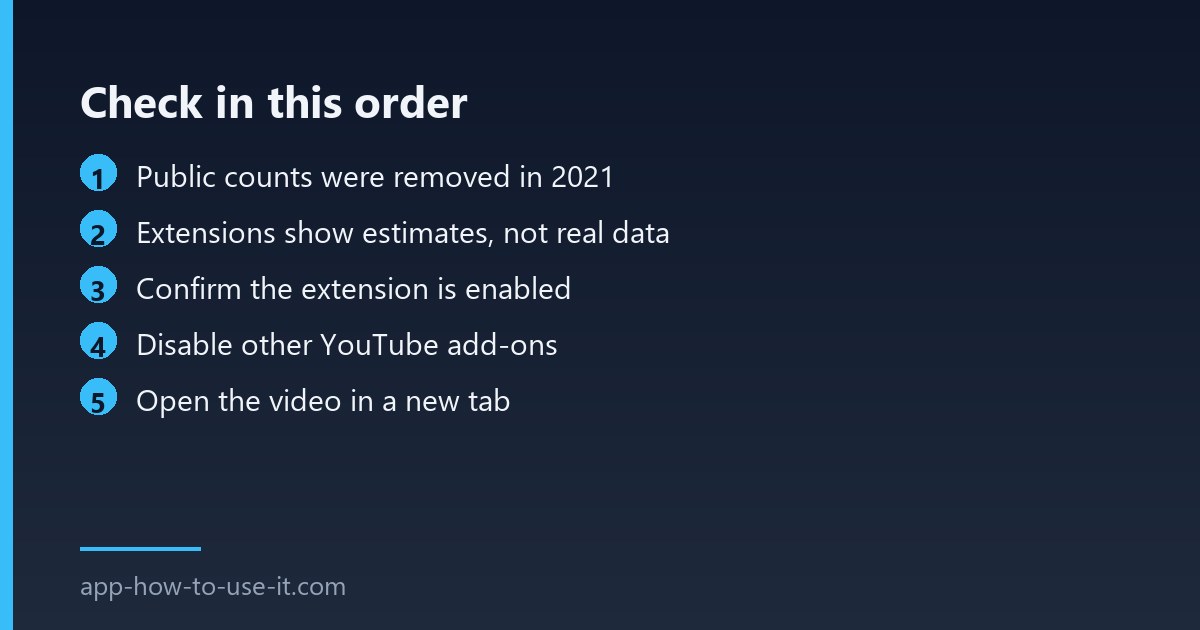
On 10 November 2021 YouTube announced that dislike counts would become private across the platform while the button itself stayed. Creators kept the exact figure in YouTube Studio; viewers lost it entirely. You can read the announcement on YouTube’s own official blog. Shortly afterwards the data stopped being available through the public interface that extensions had used, which is the root of everything below.
So where do the numbers come from now?
They are estimates. Extensions combine figures archived before the change with data contributed by people using the extension, then scale that to the video’s view count. For a popular video from before 2021 the estimate can be very close. For a video uploaded yesterday with a small audience, there may be nothing to base an estimate on at all — and the honest result is a blank or a dash rather than an invented number.
| What you see | Meaning | Action |
|---|---|---|
| Nothing at all under the button | Extension off, or YouTube layout changed | Checks 1–2 |
| A dash or zero on a new video | Not enough data to estimate | Nothing to fix |
| Number appears, then disappears | Another extension redrawing the player | Check 3 |
| Different numbers on two devices | Estimates updating at different times | Expected |
| Worked until this week | Browser update disabled the extension | Check 2 |
Check 1: is the extension still enabled?
- Open chrome://extensions and confirm the toggle is on.
- Click Details and make sure site access includes youtube.com.
- Reload the YouTube tab completely with Ctrl+Shift+R rather than switching videos.
- Check that the extension is on its latest version; YouTube’s layout moves and extensions follow.
Check 2: did a browser update switch it off?
Chrome disables extensions for several specific reasons after an update, and a silently disabled add-on looks identical to a broken one. If several of your extensions stopped at the same time, that is the likely explanation — our guide to extensions not working after an update walks through which rule applies.
Check 3: another add-on leaves the dislike counter not showing
Tools that restyle YouTube, block elements, force a theatre layout or add their own buttons all rewrite the same part of the page. When one redraws the area after another has written into it, the counter flickers or vanishes. Disable your other YouTube extensions, confirm the number returns, then re-enable them one at a time to find the pair that clash.
Check 4: the page loaded before the extension did
YouTube swaps videos without reloading the page, which is convenient for viewers and awkward for extensions. An add-on that reads the page once, at load, can miss every video you open afterwards from a thumbnail. The symptom is distinctive: the number is there on the first video of a session and absent on the rest.
Test it by opening a video directly in a new tab rather than clicking through from the home feed. If the figure appears every time that way, the extension is fine and simply needs a version that follows YouTube’s navigation. Reporting that to the developer with those two steps is far more useful than “it does not work”.
Are the numbers accurate?
They are estimates, and anyone claiming otherwise is overselling. On older, widely watched videos they tend to be close to the archived figure. On recent uploads they are a rough signal at best. Treat a dislike ratio as a hint about a video, not as a measurement.
Can I see the real count for my own videos?
Yes. Creators still see exact dislikes for their own channel in YouTube Studio’s analytics. That figure is the genuine one, and it is the only place a real number exists for viewers-turned-creators.
In practice a dislike counter not showing is either an extension that got switched off, another add-on redrawing the page, or a video with too little data behind it. Our overview of the YouTube dislike counter extension covers installing it and what the displayed figure does and does not mean.