
An extension you installed yesterday is greyed out today with a note saying it is blocked by your organization. That message is not a bug and not a virus: something on the machine is enforcing a Chrome policy. The useful question is which policy, and whether it belongs there — because on a company laptop the answer is one thing, and on a second-hand personal machine it is quite another.
First, see the actual policy
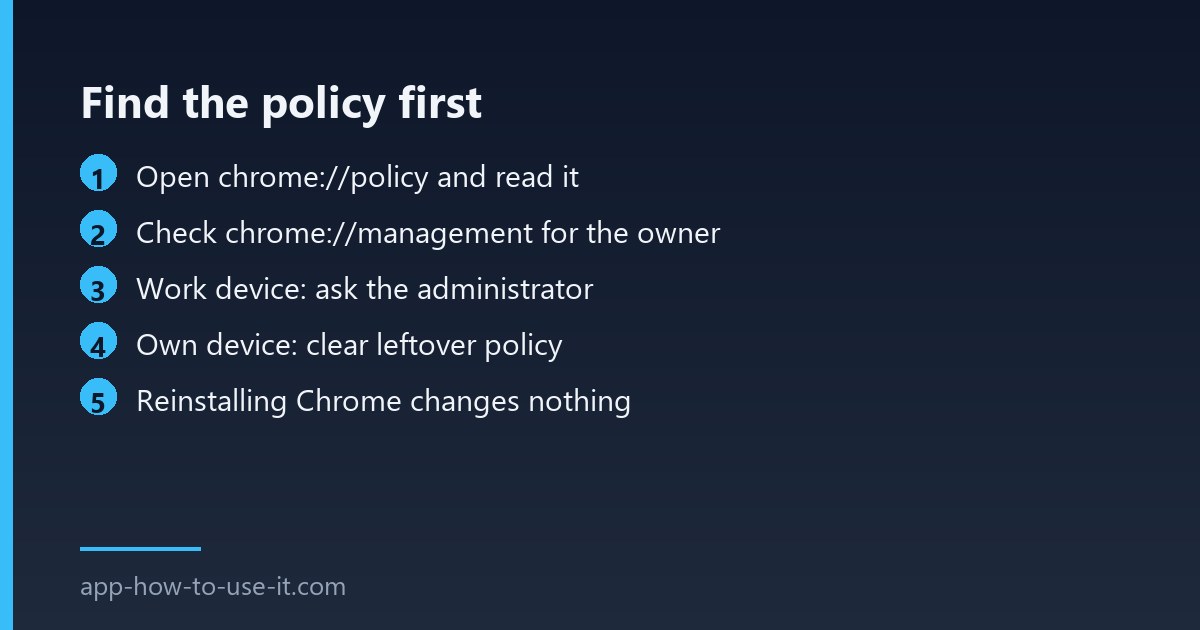
Type chrome://policy in the address bar. This page lists every rule applied to your browser, where it came from, and its current value. Look for entries whose names begin with Extension — the blocklist, the allowlist and the forced-install list. Anything shown here is being set outside Chrome, by a device management profile, a Windows policy or a family account.
| Policy on the page | What it does | Who can change it |
|---|---|---|
| ExtensionInstallBlocklist | Bans specific extensions, or all of them with a wildcard | The administrator |
| ExtensionInstallAllowlist | Permits named exceptions to that ban | The administrator |
| ExtensionInstallForcelist | Installs extensions you cannot remove | The administrator |
| Nothing listed, but still blocked | Leftover local policy or a family profile | You, if it is your device |
When blocked by your organization is correct
Then the block is doing its job, and there is no setting on your side that overrides it. Extension policies are enforced at a level above the browser’s own preferences precisely so that they cannot be switched off by the person using the machine. The route to an exception is a request to whoever manages the fleet, naming the extension and why you need it — administrators can allowlist a single extension without opening the gates.
Google’s Chrome policy reference documents what each rule does, which is useful to quote when you make that request.
If it is your own computer
This is the case worth checking properly. A machine that once belonged to a company, or that had a management tool installed and removed, can keep enforcing rules with nobody left to administer them. The same happens when a Family Link profile is attached to the account.
- Open chrome://management — it states plainly whether the browser is managed, and by whom.
- If it says the browser is not managed but policies still appear, they are coming from the system rather than an account.
- On Windows, those live under the Chrome policy keys in the registry; removing leftovers from a company you no longer work for is legitimate housekeeping on your own hardware.
- Back the registry up first, restart Chrome, and check chrome://policy again.
To be explicit about the line: clearing an abandoned policy from hardware you own is reasonable. Working around your employer’s security controls on their equipment is not, and this guide is not a route to it. If the device is managed by someone else, ask them.
Related messages that look the same
Chrome uses similar wording for several restrictions, and they have different causes. If settings pages are locked rather than extensions, our guide to the “your organization has disabled some options” message covers that variant. An extension that was disabled without any policy mention is usually a platform issue instead — see extensions not working after an update.
Will reinstalling Chrome remove the block?
No. Policies are stored outside the browser, so a fresh install reads the same rules and applies them again within seconds. That is exactly why reinstalling is the most commonly wasted hour on this problem.
Does a different browser get around it?
Sometimes technically, but on a managed device that is the thing the policy exists to prevent, and most fleets apply equivalent rules to Edge and Firefox anyway. On your own machine it is a reasonable test to confirm the block is policy-based rather than a fault in Chrome.
So the diagnosis takes one page and about a minute: open chrome://policy, read the rule, then check chrome://management to see who owns it. An extension blocked by your organization on managed hardware needs an administrator; on your own machine it usually needs a leftover policy cleared out.