If ads came back and nothing on your machine changed, you are not imagining it. AdBlock not working on YouTube became far more common once two things happened at the platform level: Chrome retired the extension technology that powerful blockers relied on, and YouTube changed how some ads reach you in the first place. Clearing your cache will not undo either. Here is what is actually going on, and what still helps.
Disclosure: we publish one of the extensions mentioned below, Adblock YouTube NoADS. The others are independent, and this page is about diagnosing the problem rather than selling a replacement.
Change 1: the strongest blocker is gone from Chrome
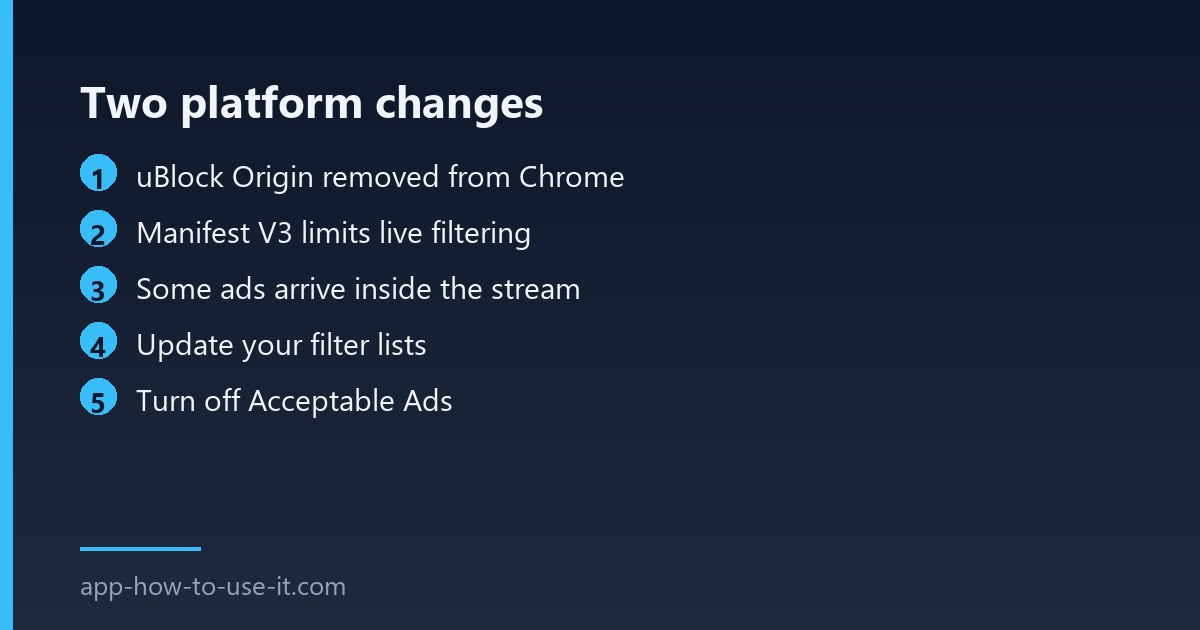
uBlock Origin was the tool most people meant when they said their blocker worked everywhere. It was built on Manifest V2, the extension platform Google retired on a published schedule: disabled by default across all channels in March 2025, no longer re-enableable from Chrome 138 in July 2025, and finally cleared out of the Chrome Web Store on 31 August 2026. Its listing now returns an empty page — we checked, and the store no longer has a title for it.
Its author’s Manifest V3 version, uBlock Origin Lite, is still on the store and still installable. It is genuinely lighter, and that is the trade: Manifest V3 limits how extensions filter requests on the fly, so a rebuilt blocker has less room to react to a site that changes its ad delivery. You can see the platform dates on Google’s own Manifest V2 timeline.
Change 2: some ads are inside the video stream
A filter-based blocker works by refusing to load something — a request to an ad server, an element on the page. When an ad is stitched into the same stream as the video before it reaches your browser, there is no separate request to refuse and no element to hide. The player receives one continuous piece of media. This is why some viewers see ads that no extension touches while others, on the same extension, see none.
What to check on your side
| Symptom | Cause | Worth trying |
|---|---|---|
| Extension icon greyed out or missing | Chrome disabled an MV2 extension | Install an MV3 blocker |
| Banner ads blocked, video ads not | Stream-side insertion | Nothing reliable |
| Ads returned after a YouTube redesign | Stale filter lists | Update lists manually |
| Some ads always slip through | Acceptable Ads allowlist | Turn it off in settings |
| YouTube warns about ad blockers | Detection script | Anti-circumvention list |
- Open your blocker’s settings and force a filter list update rather than waiting for the schedule.
- Enable the anti-circumvention list if your extension offers one.
- Turn off Acceptable Ads — it is on by default in some extensions, which means you are running a tool configured to let ads through.
- Disable other YouTube extensions temporarily; two tools rewriting the same player interfere with each other.
- Check that the extension is actually enabled at chrome://extensions after any browser update.
The honest options
Three routes work in practice. Use an MV3 blocker on Chrome and accept that video ads sometimes get through. Move to Firefox, where the full version of uBlock Origin still runs, if blocking matters more than staying in Chrome. Or pay for Premium, which is the only method YouTube itself guarantees. Anything promising complete blocking on Chrome with no trade-offs is overselling.
If you want to compare what the current Chrome options actually manage, our comparison of YouTube ad blockers lists them with the same caveats.
Does clearing cookies fix it?
Sometimes, briefly. Clearing site data resets YouTube’s detection state, so ads may stop for a while and then return. It treats a symptom; it is not a fix, and repeating it weekly is a sign you have hit one of the two platform changes above.
Is adblock not working on youtube a sign of malware?
Almost never. It is far more likely to be the Manifest V2 retirement. Be careful in the other direction, though: fake “ad blocker” extensions appear regularly, so install only from a store listing with a visible developer and a history of updates.
In short, adblock not working on youtube in 2026 is usually a platform change rather than a setting you can flip. Update your filter lists, switch off Acceptable Ads, and move to a Manifest V3 blocker — then decide whether Chrome, Firefox or Premium fits what you actually want.