Seeing XMEye device offline in the app almost never means a camera has failed. The app does not talk to your cameras directly — it reaches your recorder through a cloud service, and that middle link is what has gone quiet. Once you picture it that way the checks fall into a sensible order: the recorder first, its internet connection second, the app last.
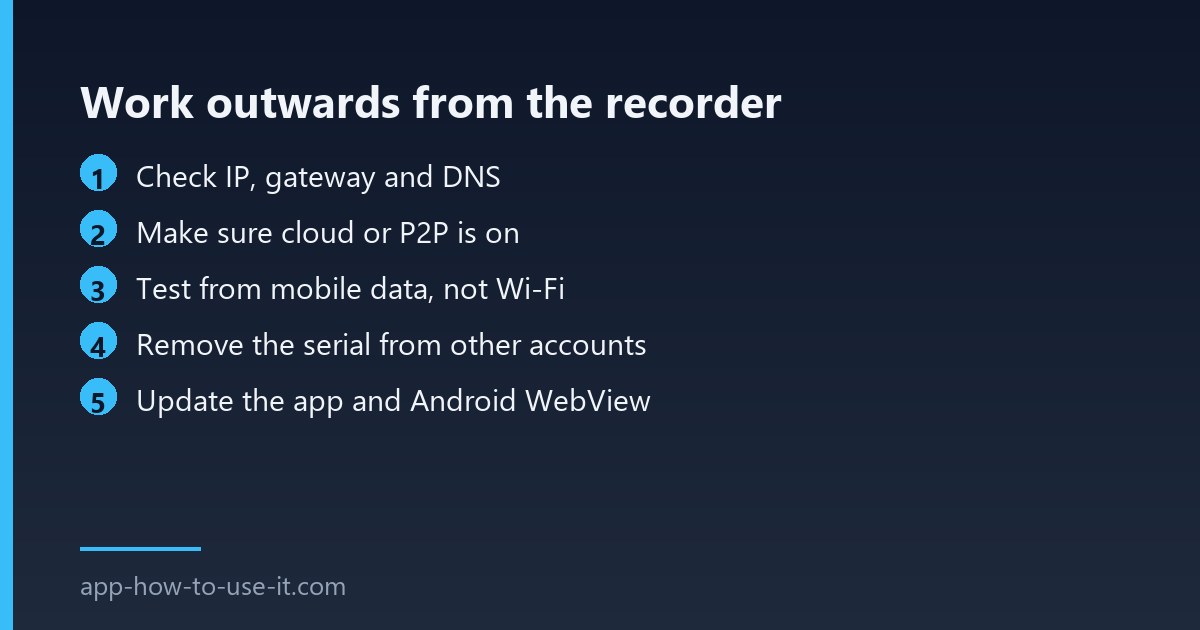
XMEye device offline starts at the recorder
Connect a monitor to the DVR or NVR and open its network menu. Most models show a cloud or P2P status line that says connected, disconnected or probing. That single line tells you whether the problem is between the recorder and the internet, or between the app and the cloud.
| Status on the recorder | What it means | Where to look |
|---|---|---|
| Cloud: connected, app still offline | App or account side | Checks 4–5 |
| Cloud: disconnected | No route to the internet | Checks 1–3 |
| No cloud option visible | P2P switched off in settings | Check 2 |
| Works on Wi-Fi, not on mobile data | Local-only connection | Check 3 |
| Offline since a power cut | DHCP gave a new address | Check 1 |
Check 1: the network basics
- Confirm the recorder has an IP address, a gateway and a DNS server filled in — a blank DNS field is a very common cause.
- If it is set to a fixed address, make sure that address is not one the router has handed to something else.
- Check the cable and the switch port; a link light that is off tells you more than any menu.
- Restart the router, wait for it to settle, then restart the recorder — in that order.
Check 2: make sure the cloud service is switched on
In the recorder’s network menu there is a cloud or P2P entry that can be disabled, and a firmware update or a factory reset can leave it off. Switch it on, save, and give it a minute to register. The serial number shown on that page is the identity the app uses, so note it down while you are there.
Check 3: the connection is working but blocked
Some networks block the outbound ports these recorders use to reach the cloud, which is why a system can work perfectly on the local network and show as offline from outside. Office and guest networks do this most often. Testing from mobile data on your phone, with Wi-Fi switched off, separates a blocked network from a genuinely offline recorder in about thirty seconds.
Check 4: the serial is registered somewhere else
A device serial can usually be bound to one account at a time. If an installer added the system to their own account, or you added it twice while troubleshooting, the app may report XMEye device offline rather than saying it is already claimed. Remove the device from every account you control and add it once, cleanly.
Check 5: the phone side
Update the app, and on Android update the system WebView component as well — several camera apps render their video through it and behave strangely when it is far out of date. If the app has been running for months without a restart, force-stop it before testing again. Independent documentation such as the community XMEye connection FAQ covers the same symptoms from the installer’s point of view.
Why does it come back on its own for a few minutes?
Intermittent returns usually mean the recorder is reaching the cloud but losing the keep-alive, which points at an unstable link rather than a configuration error. A failing cable, a dying power supply or a router under load will all do this. Watch whether it drops at the same time each day — that often finds a scheduled reboot or a timer switch.
Can I view the cameras without the cloud?
Yes, on the local network by connecting directly to the recorder’s address, and that is a useful test in itself: if local viewing works, every camera is fine and the fault is purely the internet path. Our guide to XMEye on PC and cloud login covers the desktop side of that.
Work outwards from the recorder and the answer arrives quickly. An XMEye device offline message is nearly always a missing DNS entry, a disabled cloud setting, a blocked network or a serial claimed by another account — and all four are fixed without touching a single camera.