You click a link, the progress bar moves a little, and Chrome gives up with download failed network error — the vaguest message it has. It does not mean the site is down, and it usually does not mean your internet dropped. In most cases something on your own machine interrupted the transfer between the server and the file on disk. These six checks find it, starting with the one that takes ten seconds.
Why the download failed network error appears at all
Chrome reports this whenever the transfer ends before the file is complete, whatever the reason. Antivirus software inspecting the stream, a folder it cannot write to, a full disk and a dropped connection all produce the same sentence. That is why guessing is slow and narrowing down is fast.
| When it happens | Likely cause | Fix |
|---|---|---|
| Only on one site | Site or certificate problem | Fix 1 |
| Every site, every file | Security software or folder permissions | Fixes 2–3 |
| Only on large files | Connection dropping mid-transfer | Fix 5 |
| Started after an update | Profile or extension | Fixes 1 and 6 |
| Fails instantly at 0% | Cannot write to the download folder | Fix 3 |
Fix 1: rule out extensions in ten seconds
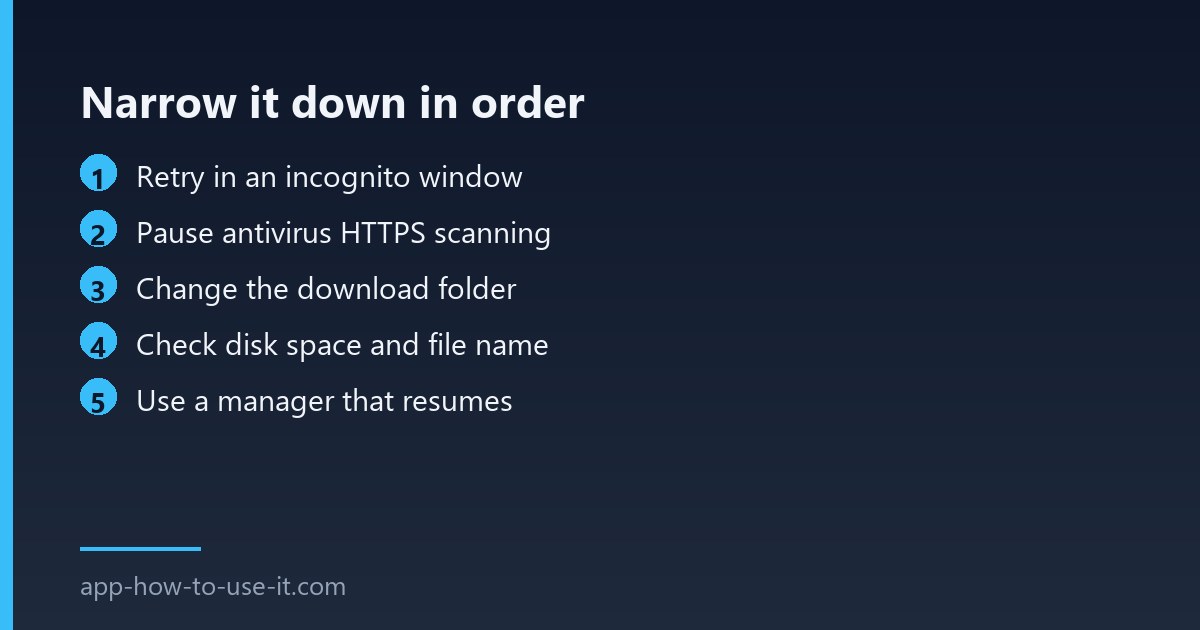
Open an incognito window and try the same file. Extensions are off there by default, so if the download succeeds you have found the category. Re-enable your extensions one at a time — download helpers, ad blockers and security add-ons are the usual culprits, because all three sit in the path between the page and the file.
Fix 2: check what your antivirus is doing
Security suites that scan encrypted traffic sit in the middle of every download and can cut one short when a scan times out or a file looks unusual. Turn the web or HTTPS scanning module off for two minutes, retry the download, then turn it straight back on. If that was it, add an exception rather than leaving protection disabled.
Fix 3: give Chrome somewhere it can write
- Open chrome://settings/downloads.
- Change the location to a simple folder you own, such as a new folder on the desktop.
- Switch on Ask where to save each file so you can see exactly where it lands.
- Retry. If it now works, the old folder had a permission problem or was on a disconnected drive.
Cloud-synced folders cause this more often than people expect: if the sync client has the file locked, Chrome cannot finish writing it. Google documents the general category in its own download error help page.
Fix 4: look at disk space and the file name
A drive with almost nothing free fails late in the transfer, which looks like a network problem. Very long names and unusual characters can also stop the final write on Windows. Free a few gigabytes, and rename the file if the site hands you something enormous.
Fix 5: stop restarting from zero on big files
Chrome’s own downloader handles small files well but copes badly with a connection that flickers during a multi-gigabyte transfer. A download manager that resumes from where it stopped turns a failed evening into a brief pause. Our guide to the IDM extension for Chrome explains how that hand-off works, and the same principle applies to any manager with resume support.
Fix 6: rule out the profile
Create a new Chrome profile from the avatar menu and try once there, with nothing installed. A clean profile that downloads normally points at corrupted settings in your main one, which is worth knowing before you reinstall the whole browser for nothing.
Does this error mean the file is dangerous?
No. Chrome uses different wording when it blocks something for safety reasons — it says the file was blocked or may be harmful. A network error is a transfer that did not finish, which is a mechanical failure rather than a judgement about the file.
Why does the same file download fine on my phone?
Because your phone has different security software, a different filesystem and usually a different network. It is a useful test rather than a solution: if the phone succeeds, the problem is on the computer, and fixes 2 and 3 are where to look first.
Work through them in order and the search is short. A download failed network error that survives all six is almost always the connection itself dropping on a long transfer — and that one is solved by resuming, not by retrying from the beginning.